 Warashi
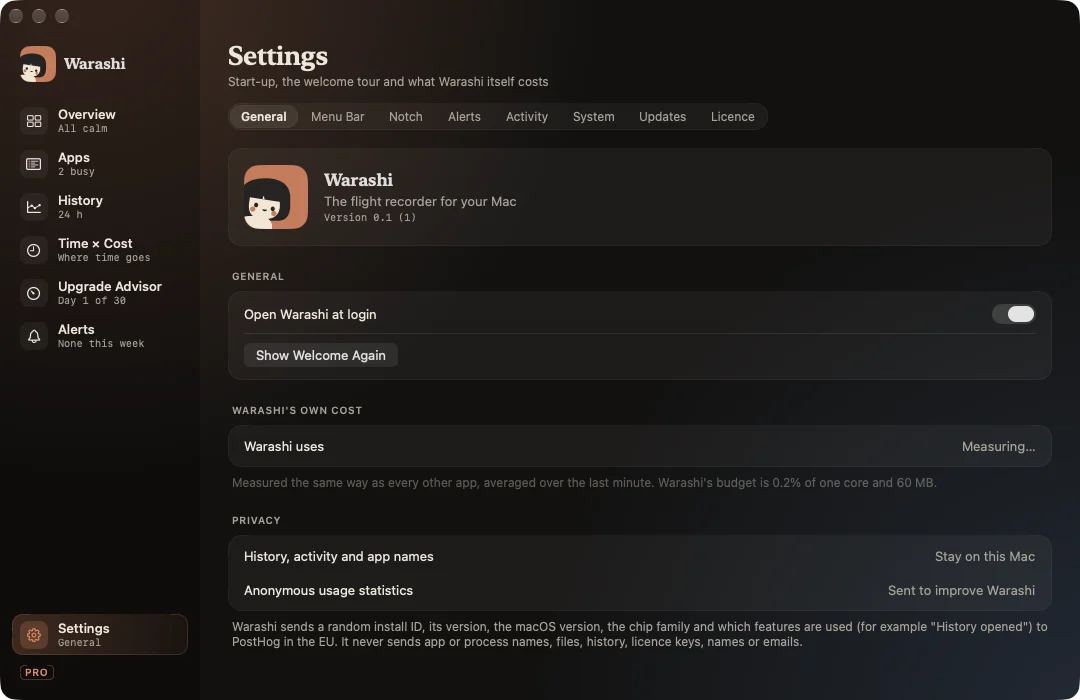
Settings live in the window: click Settings at the bottom of the sidebar, press ⌘,, or click the gear in the popover.
| Tab | What's there |
|---|---|
| General | Open at login, the welcome tour again, what Warashi itself costs, and what it shares (Privacy). |
| Menu Bar | The number beside the spirit and “Show what needs you”, with a live preview. |
| Notch | The notch glance, the island on other displays, and the metric on each side. |
| Alerts | Each alert on or off, notification permission, muted apps. |
| Activity | Record which app is in front, apps never to record, delete all activity data. |
| System | The optional helper for system processes. |
| Updates | Daily update checks, automatic installs, check now. |
| Licence | Warashi Free or Pro, and your licence key. |