 Warashi
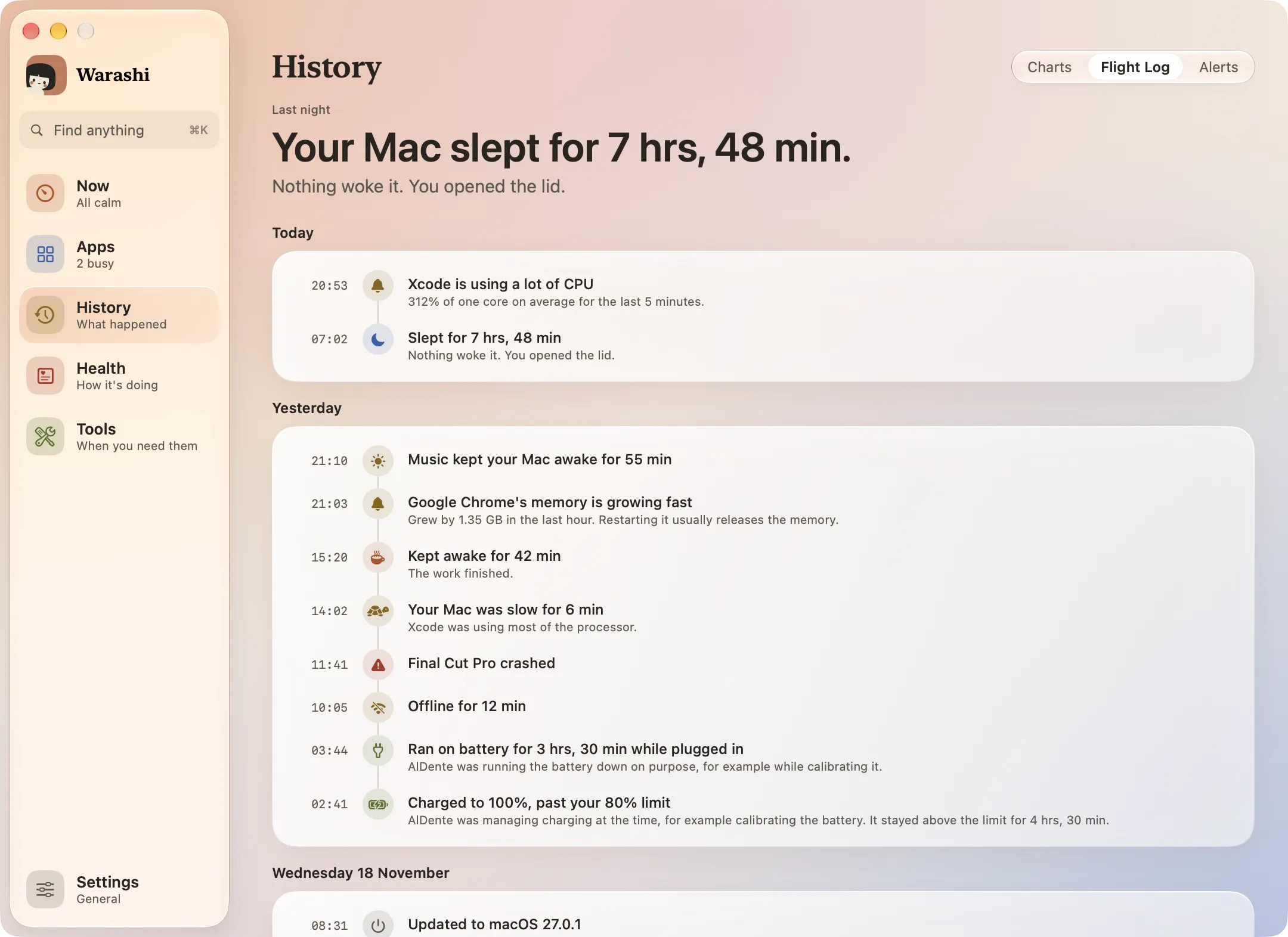
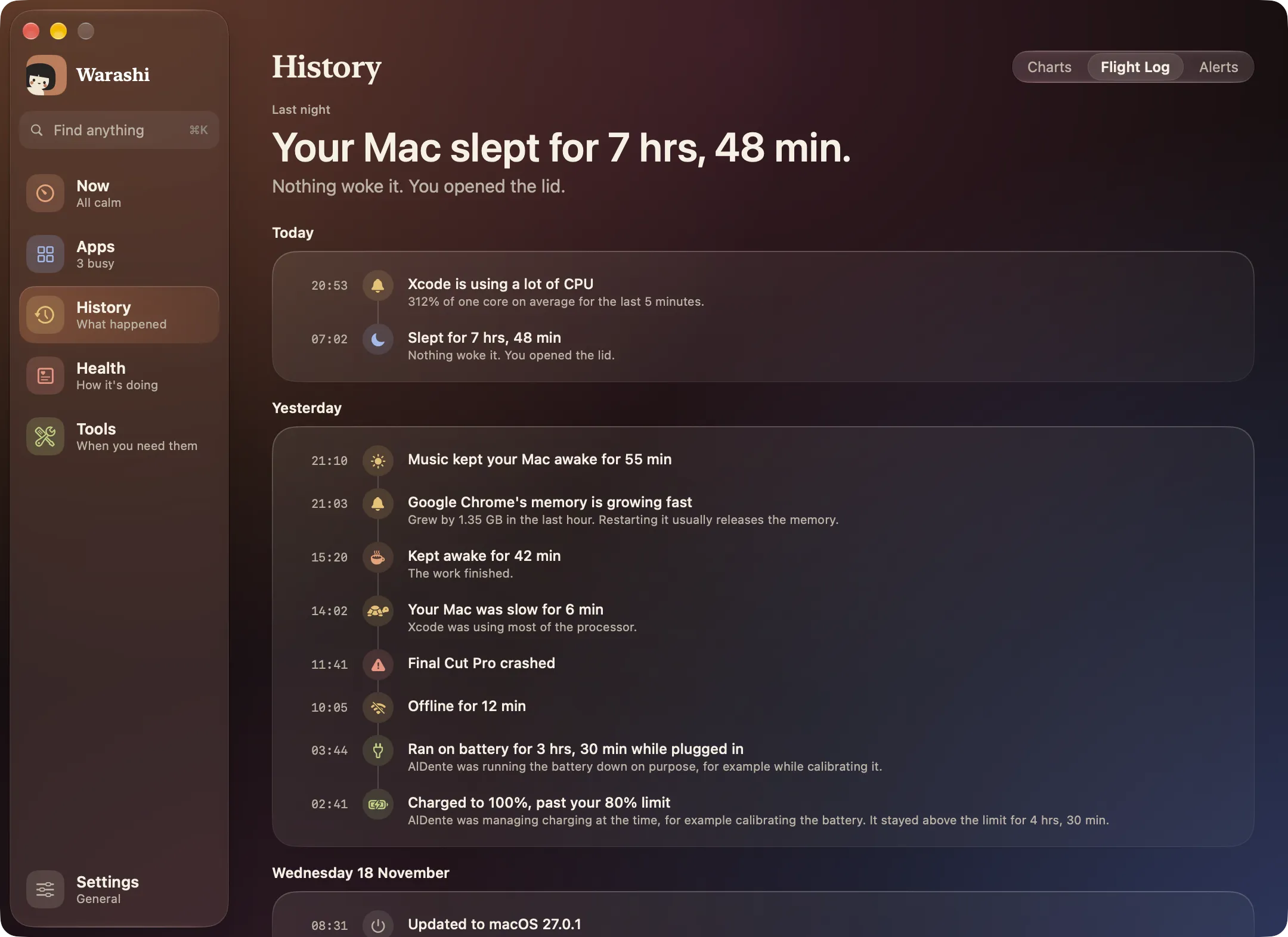
Flight Log is a tab in History. It writes down the moments that matter, so you can see what your Mac has been up to without reading a chart.
Last night
At the top, one line about the last night: how long your Mac slept, how often it woke, the battery it used and what woke it.
What it records
- Sleep: how long, how many wakes, battery used, and what woke it.
- Start-ups and macOS updates: “Your Mac started up”, or “Updated to macOS …”.
- Crashes: which app crashed, and when.
- Staying awake: your own Keep Awake sessions of a minute or more and why they ended, and any app that kept your Mac awake for 30 minutes or more.
- Offline: stretches of a minute or more without a network, not counting sleep.
- Slowdowns: “Your Mac was slow for 6 min”, with why: an app using most of the processor, memory running short, the Mac slowing itself to cool off, or macOS's own work such as Spotlight indexing. Warashi notices these by itself, from the same minute-by-minute history as your charts, when the Mac struggled for 2 minutes or more. To check right now, use Why is my Mac slow?.
- Charging: “Charged to 100%, past your 80% limit” and “Ran on battery for 3 hrs while plugged in”, naming the app that was managing charging at the time, such as AlDente calibrating the battery. With no such app, a charge past the limit was most likely macOS topping up to keep its estimates accurate. A charge to full you asked for isn't listed.
- Alerts: every alert that fired.
Days are listed newest first, Today, Yesterday, then by date, for the last 30 days.
Good to know: Like everything else in Warashi, the log stays on your Mac.