 Warashi
Developer is a tab in Apps. It reads your ports and agents only while it's on screen.
Dev servers
Servers are grouped by the folder they were started in, with their ports, CPU and memory. Open opens one in your browser, Copy copies its address, and Quit… asks it to stop after you confirm. △ On your network means other devices on your network may be able to reach it.
AI agents
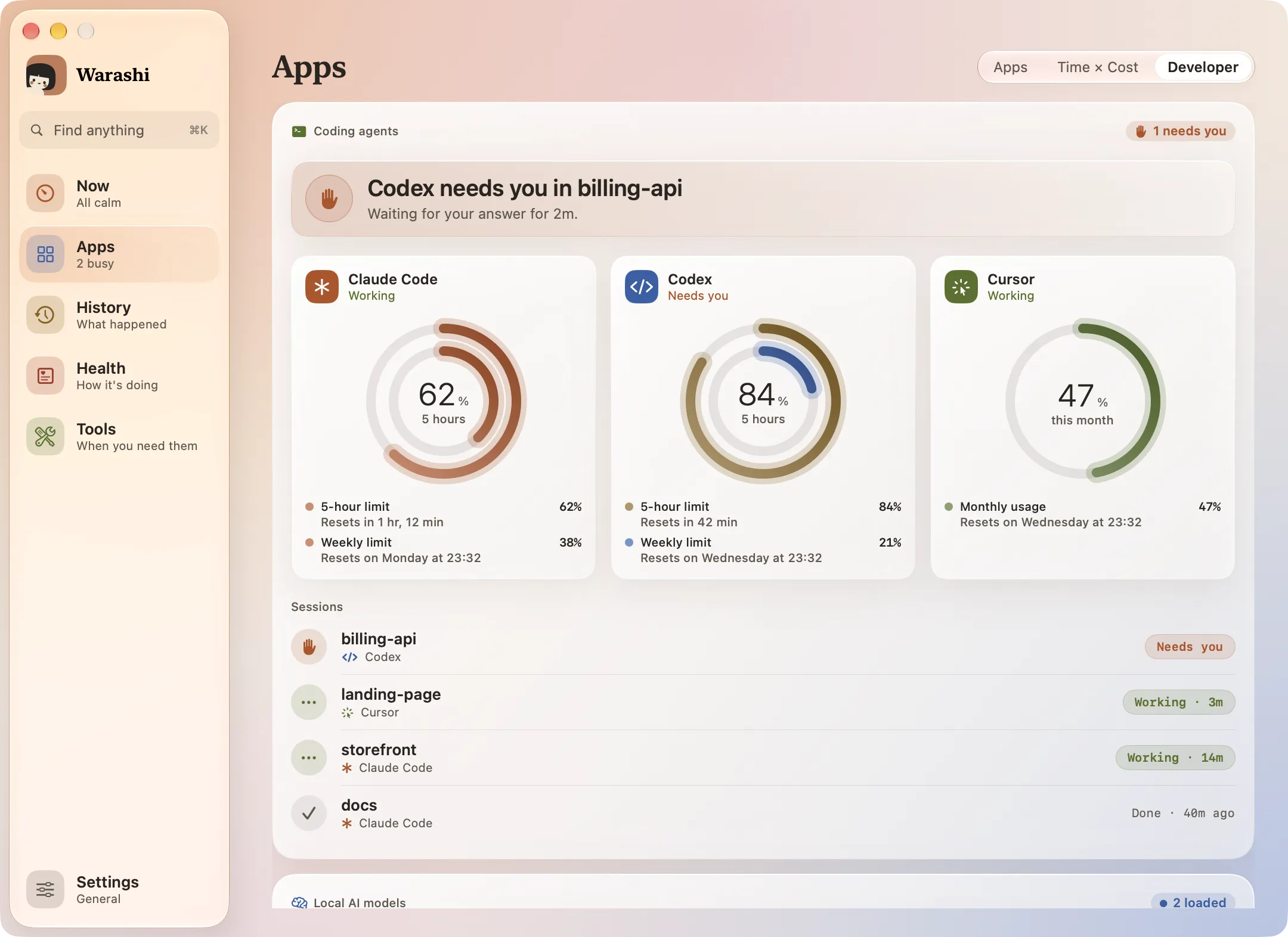
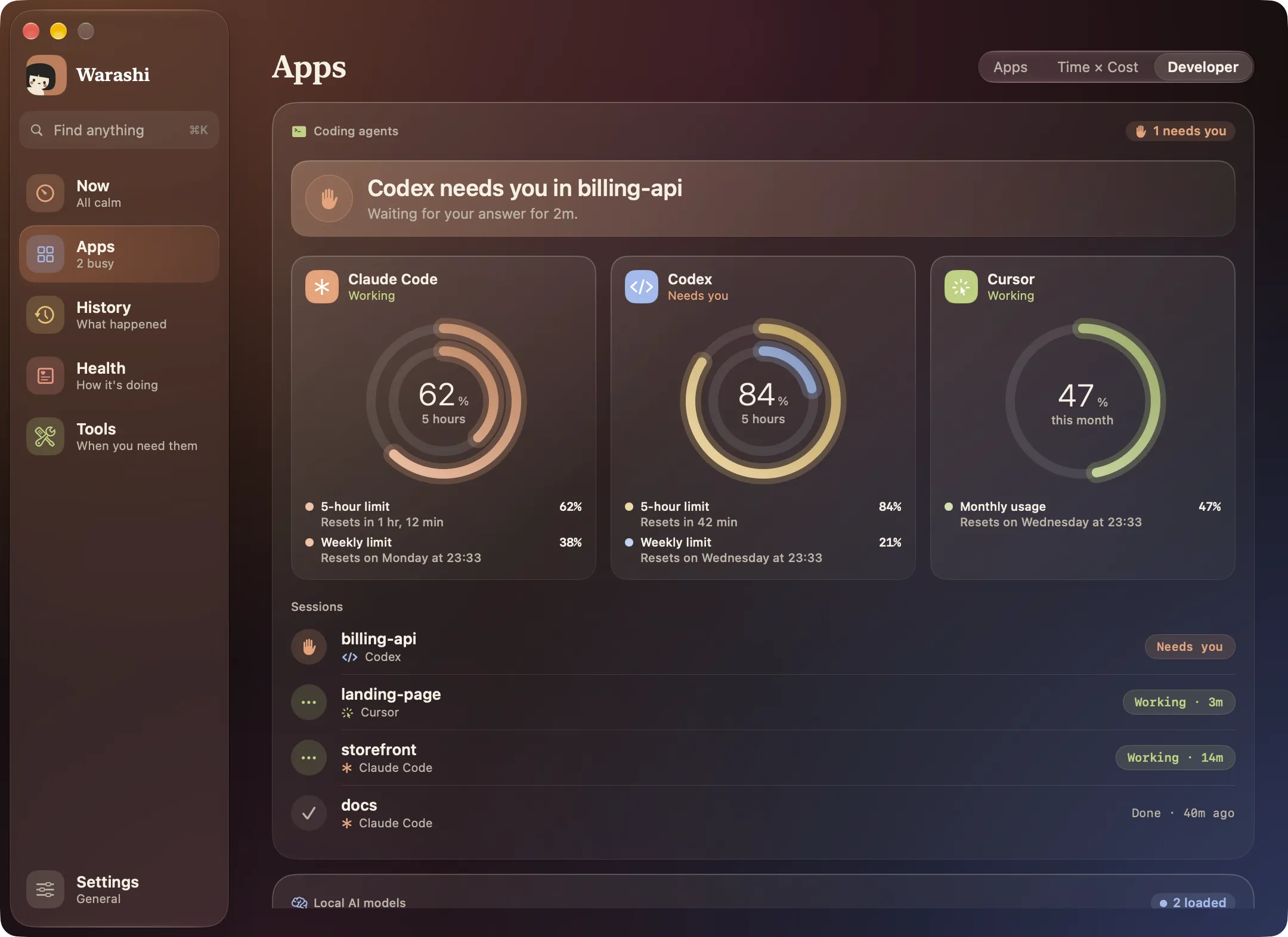
Each running Claude Code, Codex, Cursor Agent, Gemini CLI, Aider, OpenCode, Amp or Goose session, with its project, how long it's been running, CPU time and memory. Tools an agent has started count as part of it.
Local AI models
If Ollama or LM Studio is running, the models it has in memory: name, size, how much sits on the GPU and when the tool will unload it. Warashi asks the tools themselves on your Mac (127.0.0.1); nothing goes over the network. LM Studio answers only when its local server is on.
Containers
If you use Docker Desktop, OrbStack, Colima or Rancher Desktop, running containers appear with their image, published ports, CPU and memory, read from the engine on your Mac. Click a web port to open it in your browser. △ means other devices on your network may be able to reach it. Without one of these apps the section doesn't appear.
Other open ports
Everything else with an open port, such as a local AI model. macOS's own services are hidden.
If something's not right
- A port is missing: ports held by processes running as administrator can't be read.
- An agent is missing: agents are recognised from a list of known programs. Tell adam@warashi.app which one you use.
More in Troubleshooting, or email adam@warashi.app.